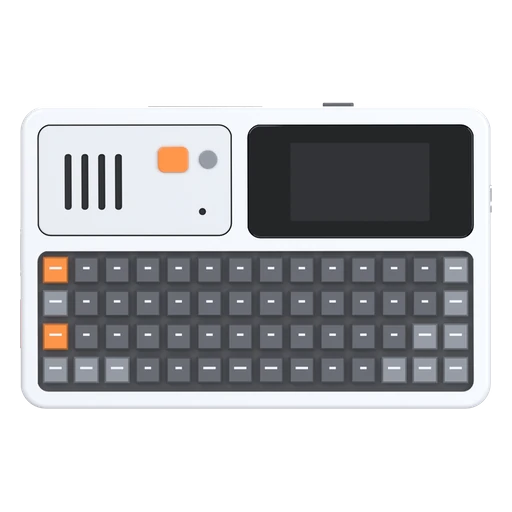
Loading 3D…
Set up M5Stack Cardputer-Adv
Install M5Stack Cardputer-Adv 1.10.5 (ESP32-S3) over USB-C once. Every future update installs wirelessly from Italic on your iPhone.
All ESP32-S3 boards share Espressif’s USB ID (0x303A:0x1001) — make sure a M5Stack Cardputer-Adv is plugged in before choosing the port.
Direct firmware downloads
Download verified M5Stack Cardputer-Adv 1.10.5 binaries for offline flashing, manual esptool use, or wireless BLE OTA files on iPhone.
Loading firmware manifest…
How setup works
- Connect the Cardputer-Adv to a computerTurn on the power switch and plug the M5Stack Cardputer-Adv into a computer with a USB-C data cable.
- Open Italic for Mac or the web installerOn a Mac, open Italic for Mac and choose Set Up External Device. Or on any computer, open app.italic.com/setup/m5stack-cardputer-adv in Chrome or Edge — or download the firmware files directly there.
- Install Italic firmwareChoose M5Stack Cardputer-Adv and install the verified Italic Live firmware over USB-C (about 15 seconds). Future updates can also install wirelessly from your iPhone.
- Pair it with your iPhoneWhen the screen boots into Italic Live as Italic Cardputer, return to Add Device in Italic and pair it over Bluetooth.