Set up a 3rd Party device
Choose your hardware below to install Italic Live firmware over USB-C in Chrome, Edge, or Italic for Mac—or to download verified factory USB and wireless BLE OTA binaries directly. Once installed, pair over Bluetooth in Italic on your iPhone.
Supported devices (13)
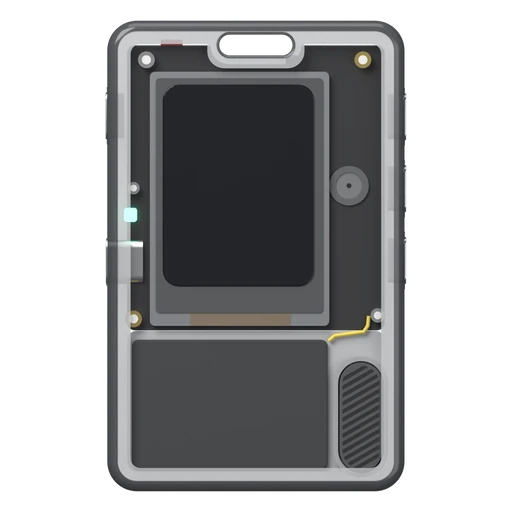
- FoloToy PassportESP32-C3 · Hold to speak, transcribed on your iPhone
- Waveshare AMOLED 1.75CESP32-S3 · Tap to record on a round AMOLED screen, saved on your iPhone
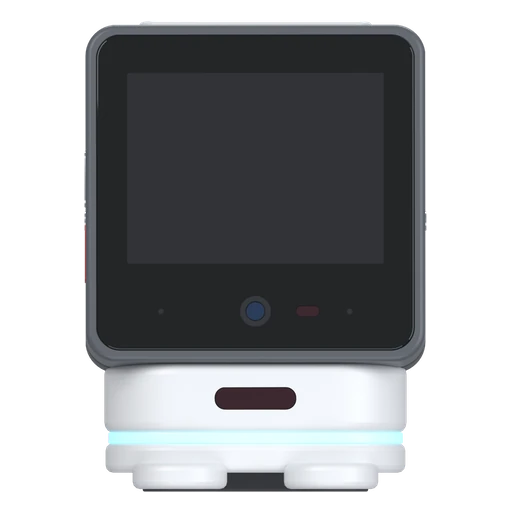
- M5Stack StackChan (K151)ESP32-S3 · Tap the head or screen to speak with a desktop robot companion
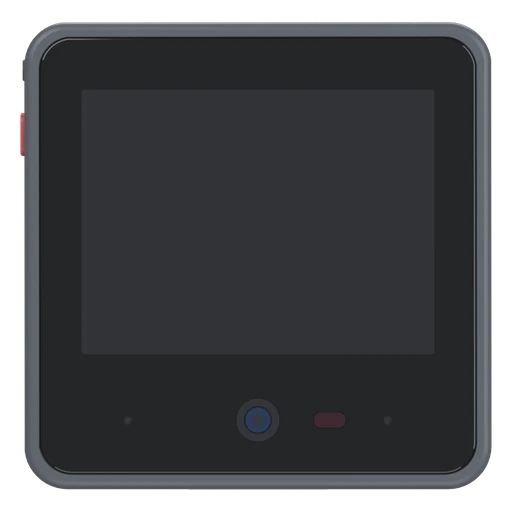
- M5Stack CoreS3 (K128)ESP32-S3 · Tap to record on a compact 2-inch touch cube, saved on your iPhone
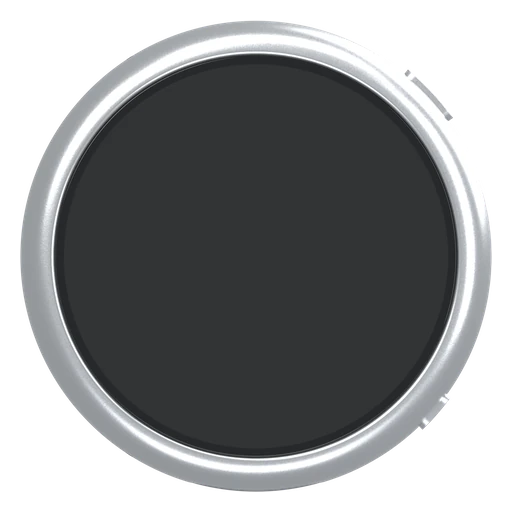
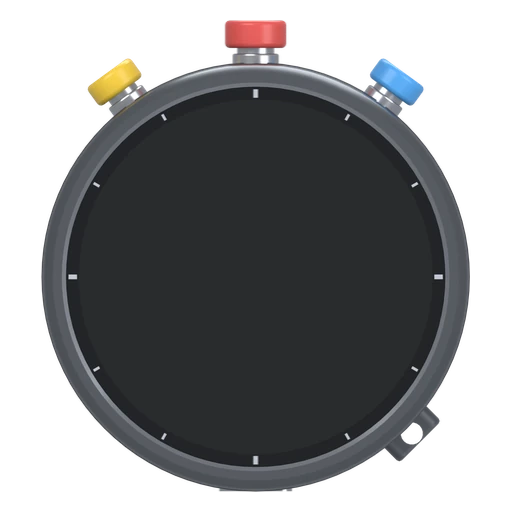
- M5Stack StopWatch (C152)ESP32-S3 · Press the crown button or tap the round AMOLED to capture thoughts
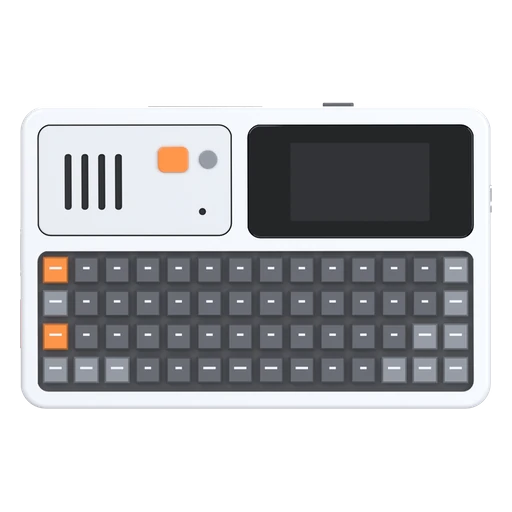
- M5Stack Cardputer-AdvESP32-S3 · Pocket keyboard deck with push-to-talk voice and typed notes
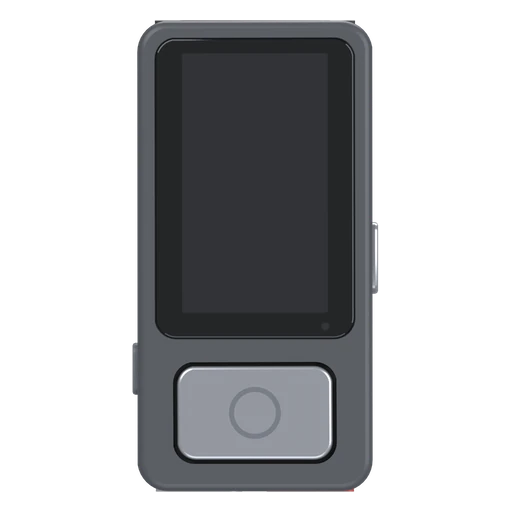
- M5Stack StickS3 (K150)ESP32-S3 · Hold the front button on a pocket stick to capture a clip or memo
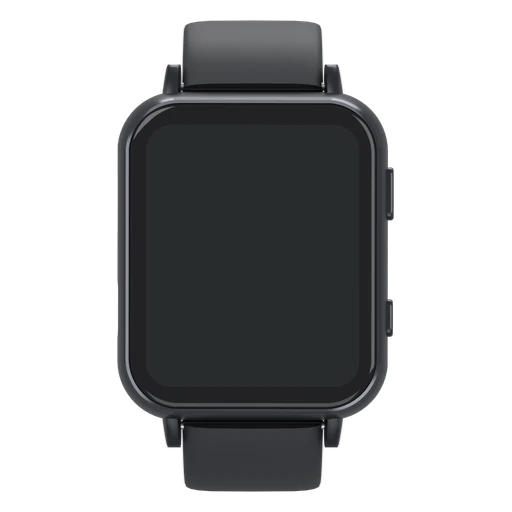
- Waveshare AMOLED 2.06"ESP32-S3 · Tap to record from your wrist on a rectangular 2.06-inch AMOLED watch
- Waveshare e-Paper 1.54" (V2)ESP32-S3 · Daylight-readable 1.54-inch e-paper badge with push-to-talk capture
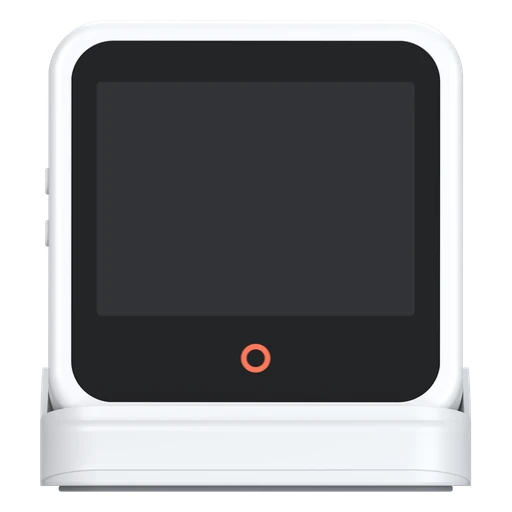
- Espressif ESP32-S3-BOX-3ESP32-S3 · Docked 2.4-inch desk touch display with dual microphones
- M5Stack Atom EchoS3RESP32-S3 · Tiny 24 mm USB-C push-to-talk cube with one tactile button
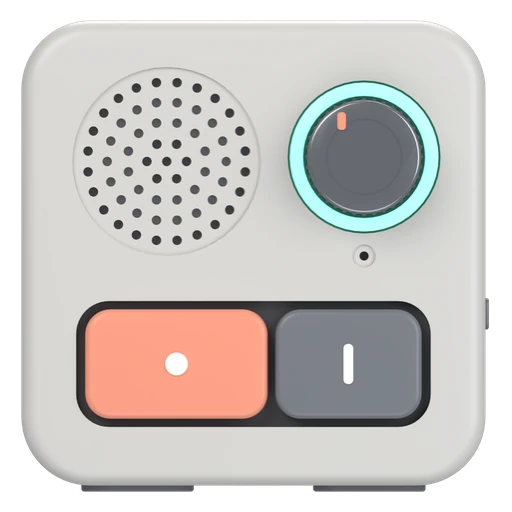
- FoloToy MagicBox (M09)ESP32-S3 · Screenless tactile voice box with dual buttons, dial, and RGB halo
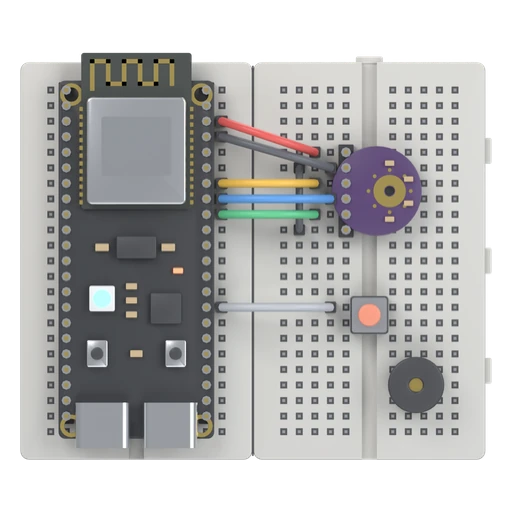
- ESP32-S3 + INMP441ESP32-S3 · Minimal DIY breadboard microphone rail with push-to-talk button