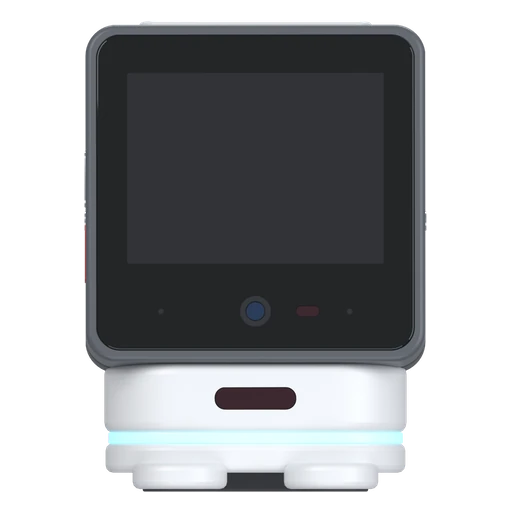
Set up M5Stack StackChan (K151)
Install M5Stack StackChan 1.10.5 (ESP32-S3) over USB-C once. Every future update installs wirelessly from Italic on your iPhone.
All ESP32-S3 boards share Espressif’s USB ID (0x303A:0x1001) — make sure a M5Stack StackChan (K151) is plugged in before choosing the port.
Direct firmware downloads
Download verified M5Stack StackChan 1.10.5 binaries for offline flashing, manual esptool use, or wireless BLE OTA files on iPhone.
Loading firmware manifest…
How setup works
- Connect StackChan to a computerPlug the M5Stack StackChan (K151) head into a computer with a USB-C data cable.
- Open Italic for Mac or the web installerOn a Mac, open Italic for Mac and choose Set Up External Device. Or on any computer, open app.italic.com/setup/m5stack-stackchan in Chrome or Edge — or download the firmware files directly there.
- Install Italic firmwareChoose M5Stack StackChan and install the verified Italic Live firmware over USB-C (about 15 seconds). Future updates can also install wirelessly from your iPhone.
- Pair it with your iPhoneWhen StackChan boots into Italic Live as Italic StackChan, return to Add Device in Italic and pair it over Bluetooth.